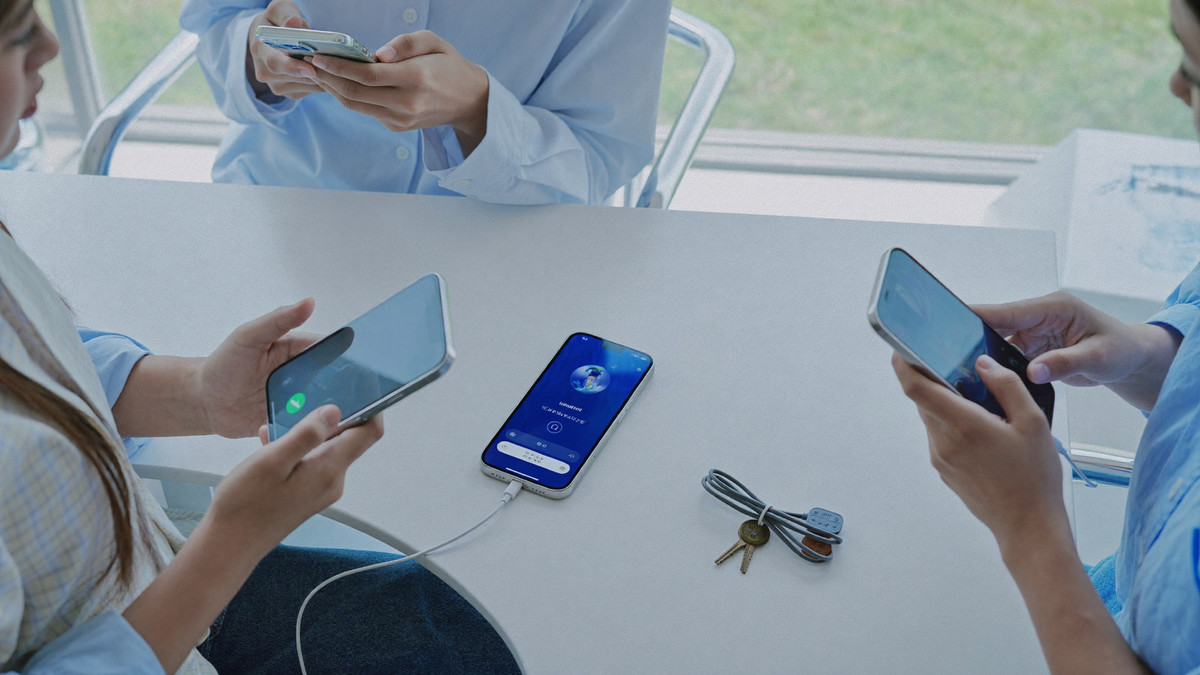
Download the Club99 APK and Play 2,100+ Games on Android
You can have the Android app on your phone in four taps: the APK is 38MB, the current build is v3.1.2, and it asks for storage and notifications and nothing else. Nothing is locked behind it either, because all 2,100+ casino games at Club99, a Malaysian online casino, run in a mobile browser on the same account at the same 96.0% average return. There is no iOS package, so on an iPhone you add the site to the home screen instead. Download it and log in.
- Start the download from the floor and let the 38MB file finish. On most phones it lands in the Downloads folder and the browser tells you the moment it is ready.
- Open the file. Android asks once whether to allow an install from the browser you downloaded with. Allow it, and the prompt does not come back for the next update.
- Accept the two permissions the app actually asks for, storage and notifications, and install. On v3.1.2 that takes a few seconds and puts an icon on your home screen.
- Open the app, log in with the number and password you registered with, and top up from RM10 to put the 9% daily bonus on it.
Get the 38MB build onto your phone
The Android package is 38MB, which comes down over a normal mobile connection in seconds and over wifi faster than that. It is a direct download rather than a store listing, so the file arrives in your Downloads folder and you run the install yourself. Leave enough free space for the file and a little room to unpack into, and keep the phone off battery saver while it works, because some launchers pause a background download to save power and the file then stops short.
Everything on the website is in the app: 1,450+ online slots, 72 live dealer games, 24 poker tables, the sportsbook, esports, 4D and the fishing rooms. Nothing is app only and nothing is missing from the browser, so the decision is about whether you want an icon on the home screen rather than about what you are allowed to play. Both run on one balance in MYR and one login.
Allow the install once and it is done
Android asks once, on the first install, whether to allow an app from the source you downloaded with. That prompt is the ordinary install flow for any package that does not arrive from a store, and it names the browser rather than the app. Allow it and the install continues; the system remembers the answer, so when a build newer than v3.1.2 comes along it replaces itself in a single tap with your login and your balance exactly where they were. Phones are where most online gambling happens now, so the app is built as the main way in rather than an afterthought.
If the file will not open at all, the download almost certainly stopped short. Delete the partial file, pull it again on wifi, and check the size reads 38MB before you tap it. A phone with very little space free will also refuse the install, which looks like a failure and clears the moment you free some room. Live chat, Telegram and WhatsApp can talk either one through in a couple of minutes, around the clock.
Storage and notifications, and nothing else
The app asks for two permissions. Storage is what lets it keep game assets on the phone instead of pulling them down again every session, which is the main reason it feels quicker on mobile data than a browser tab does. Notifications are how a payout confirmation or a new offer reaches you without the app being open. Neither is needed to play, and both can be switched off in Android settings afterwards without changing anything about the games.
Nothing else is requested: no contacts, no location, no camera. The login is the same number and password you use everywhere else on the Club99 platform, and the balance is the same ringgit balance. A transaction made in the app shows on the website immediately. That is what a trusted online casino owes a Malaysian player on a phone: real money gaming where the cashier behaves the same on every screen. A deposit from RM10 clears in under a minute and a withdrawal from RM50 goes back out in 5 to 15 minutes to the same rail it came in on, exactly as it does on a desktop.
On an iPhone, add Club99 to the home screen
There is no iOS package and no store listing, and it is better to say so plainly than to leave you looking for one. On an iPhone or an iPad, open the site in Safari, tap the share control and choose add to home screen. What you get is an icon that opens the floor full screen with the browser chrome out of the way, running the same account, the same cashier and the same games as the Android build.
In practice the difference is small. Everything on CLUB99 Online Casino Malaysia is built to run in a mobile browser first, which is why the home screen route works properly instead of feeling like a workaround. Log in from that icon and a blackjack or baccarat table game streams as well as it does in the app on the same connection, a reel spins at the same 96.0% average return wherever you bet, and a withdrawal still lands in 5 to 15 minutes.
Keep v3.1.2 current, or just use the browser
Updates come through the app rather than through a store. When a build newer than v3.1.2 is out, the app says so when you open it and the replacement is one tap, keeping your login and your balance where they were. Staying current is worth the tap because the game lists and the payment options move with the build, and a stale version is the usual reason a new payment method is missing from a cashier that otherwise works.
And if you would rather not install anything, do not. The browser carries the whole floor at the same 96.0% average return, and a new account can register in four steps and claim RM10 in free credit without the APK ever being downloaded. Top up from RM10 in either one and the same deposit bonus applies, the 120% welcome bonus up to RM1,200, with the wagering requirement shown in full on the claim screen before you accept. The app is a convenience for a player who opens the same casino every night, not a condition of playing on it.
| Tap | What you do | What you should see |
|---|---|---|
| One | Start the download from the floor | A 38MB file in Downloads |
| Two | Open the file | Android asks once about this source |
| Three | Allow it and install | v3.1.2 installs in a few seconds |
| Four | Accept storage and notifications | An icon on your home screen |
| Then | Log in and top up from RM10 | 9% on the top up, and the same balance |
Frequently asked questions
How big is the Club99 APK?
38MB on the current build, v3.1.2. It downloads in seconds on wifi and not much longer on mobile data, and it wants a little free space on top of that to unpack into. If the file you are holding is smaller than 38MB, the download stopped short and is worth pulling again.
Is there an iOS app?
No. There is no iOS package and no store listing, so on an iPhone you add the site to the home screen from Safari and open it from the icon. It runs the same account, the same 2,100+ games and the same 96.0% average return as the Android build, and the cashier behaves identically.
What permissions does the app ask for?
Storage and notifications, and nothing else. Storage keeps game assets on the phone so a session loads quicker on mobile data; notifications carry payout confirmations and new offers. Both can be switched off in Android settings afterwards without affecting play, a deposit from RM10 or a withdrawal from RM50.
Do I have to install the app to play?
No. Every reel, dealer table and board runs in a mobile or desktop browser on the same login, and a verified new account carries RM10 in free credit either way. The app saves you typing an address and leaves an icon on the home screen; at the same 96.0% average return, that is the whole of the difference.